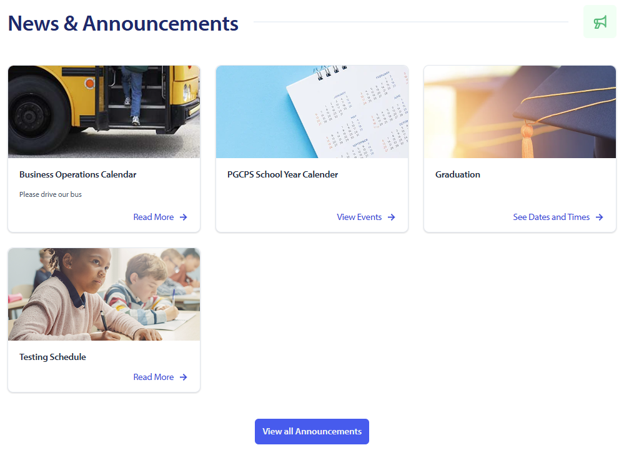
School Announcement Detail Page
How to create or edit an announcement under an Announcement Directory page
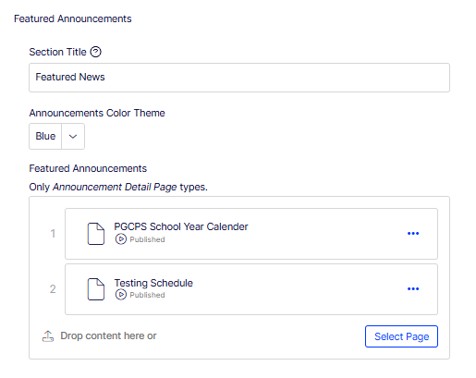
An announcement directory page is a page that is automatically formatted to display child pages, called announcement detail pages, that are active. They will display as cards on the directory page. There is a featured announcements area at the top that allows you to feature certain news and a lower area that can be filtered or searched according to dates. You would create pages called announcement detail pages as a child or sub page under the directory page.
You could also use an Announcement Directory Page to share information about alumni or share photo albums. It will work well if you want to share a collection of items.
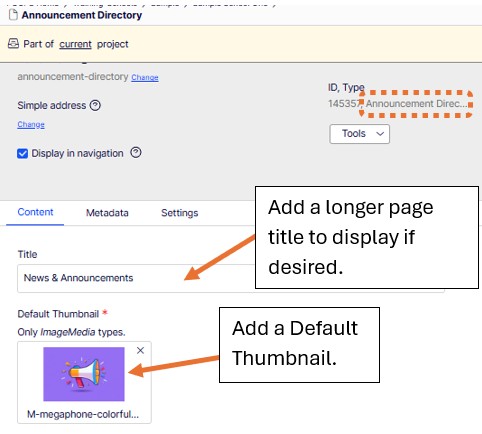
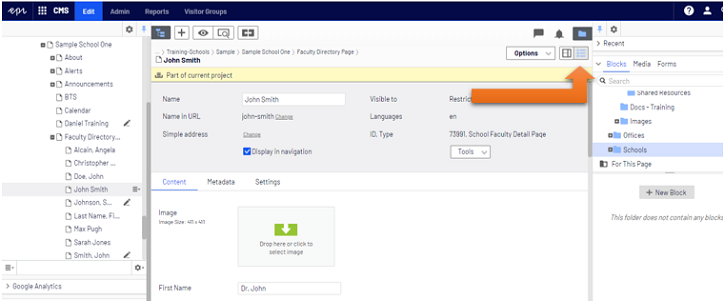
The Announcement Directory page may have a different name, but the page type is correct. Not all schools have an Announcement Directory Page set up. To find out what type of Announcement page you have, click on your Announcement page. If you are not in the All Properties view, click your View Options button in the upper right corner and change to the All Properties view. In the gray area above the content for your page you will see the page type.
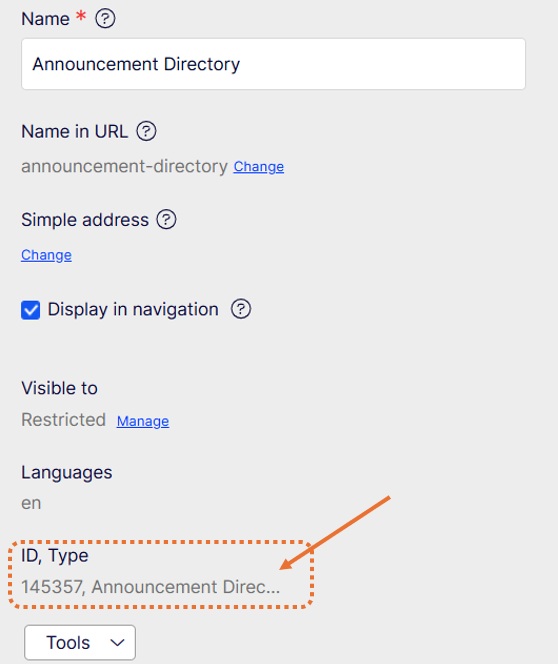
If you have the correct page type you can proceed. If you don't have an Announcement Directory Page you can create one. If you need assistance setting up an Announcement Directory Page on your school site, please submit a Web Support Ticket and provide those details.
How to Create an Announcement Directory Page
If you already have an Announcement Directory Page you can modify the following things.
 to select New Page.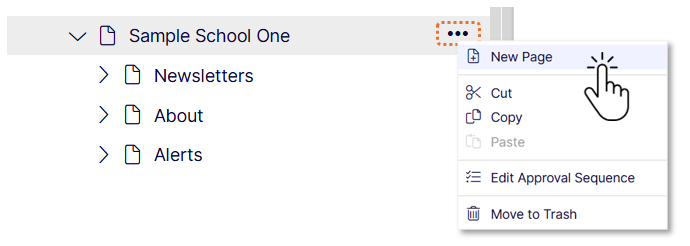
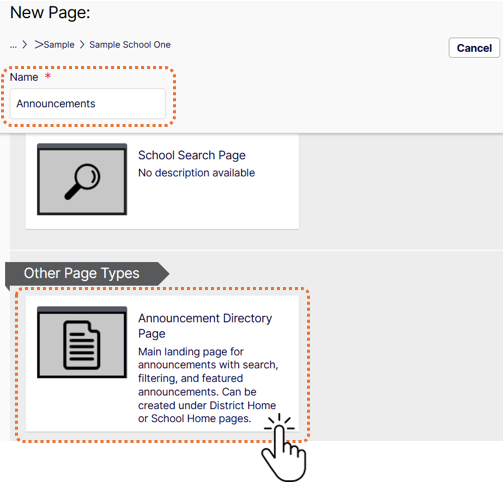
An Announcement Directory Page works differently on a School Home Page. If you add the Announcement Directory Page to the Announcements area of a School Home Page it will display active announcement cards in that area. You do not need to manually add the individual announcements to the content area.
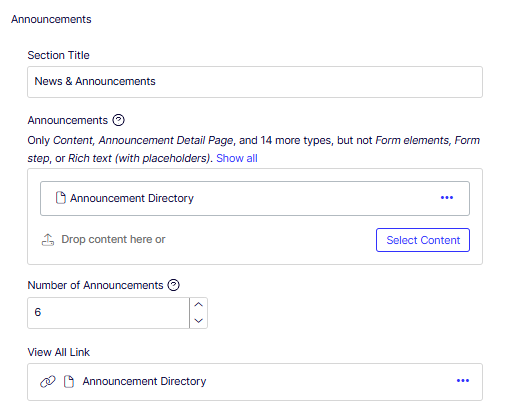
You will see active announcements. (Note: If you see an extra card you did not add, the Web Services Office is broadcasting it to all schools or certain school levels by request.)