
Everything for Editors
I cannot edit my page. It is all grayed out. What's wrong?
Problem: When trying to edit a page, it appears grayed out. Sometimes the options menu has a green arrow next to it.
Solution:
1. Make sure you are in the correct project.

2. Is there a green arrow next to the options menu?
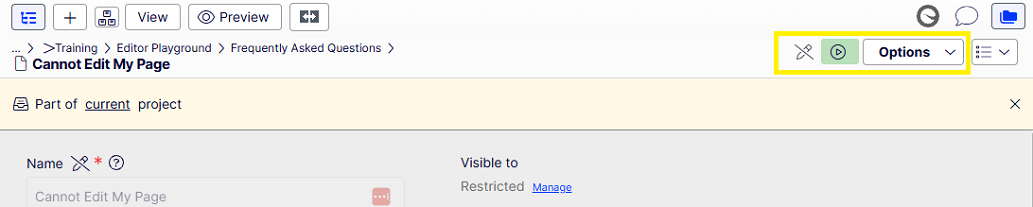
If so, the page was published and then a draft created outside of the correct project.
You have two options:
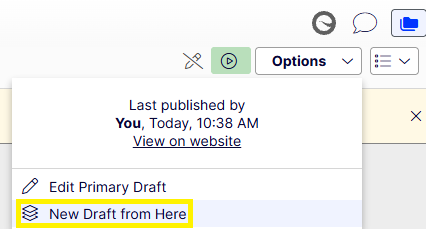
- create a draft from the current published page (select "New draft from here.) This will discard any changes made in the draft outside of the project and start from the most recently published page (page visible to the public now).
- edit the draft that was created outside of the project (select "Edit Primary Draft") This will maintain the draft and its changes that were made outside the project and bring the draft into the project.
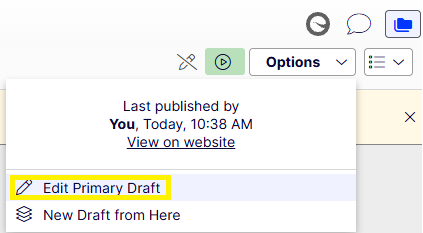
After performing one of these procedures, you should be able to edit the page again.